
Is your Nissan Altima’s oil light on and you’re not sure what to do next? That little warning can be confusing and even a bit stressful.
But don’t worry—resetting the oil light is easier than you think. In this guide, you’ll learn exactly how to reset your Nissan Altima’s oil light quickly and safely. Keep reading to save time, avoid unnecessary trips to the mechanic, and keep your car running smoothly.
Your Altima will thank you!
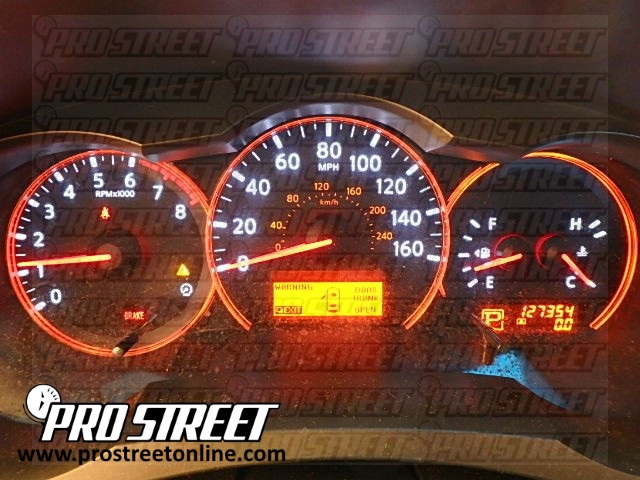
Credit: my.prostreetonline.com
Why Oil Light Comes On
The oil light on your Nissan Altima dashboard signals important information about your engine oil. This warning helps protect the engine from damage by alerting you about potential issues. Understanding why the oil light comes on can help you keep your car running smoothly. Common reasons include low oil level, an oil change reminder, or sensor problems.
Low Oil Level
The most common cause of the oil light is low oil level. Oil lubricates engine parts and keeps them cool. When oil runs low, the engine can overheat and wear out quickly. Check the oil level with the dipstick regularly. Top up the oil if it is below the recommended mark.
Oil Change Reminder
Your Nissan Altima uses the oil light as a reminder for an oil change. Over time, oil breaks down and loses its ability to protect the engine. The light may come on based on mileage or driving conditions. Changing the oil on schedule keeps the engine healthy and efficient.
Sensor Issues
Sometimes, the oil light turns on due to sensor problems. The oil pressure sensor detects oil pressure and sends signals to the dashboard. A faulty sensor can cause false warnings. If the oil level is fine but the light stays on, have the sensor checked by a mechanic.
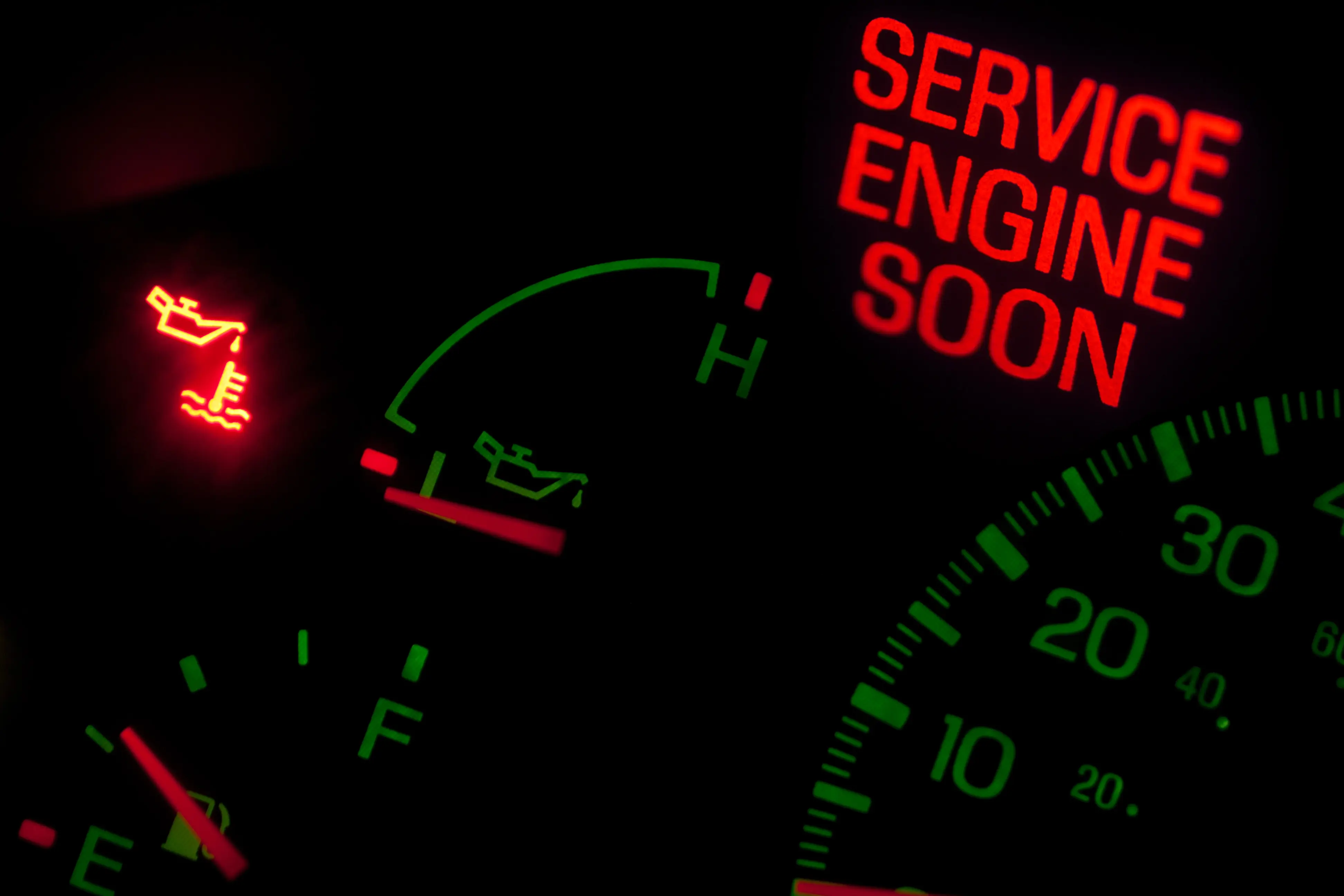
Credit: jerry.ai
When To Reset Oil Light
The oil light on a Nissan Altima alerts you about oil changes or maintenance. Resetting this light at the right time keeps your car in good shape. It stops the light from staying on after the oil is fresh. Knowing when to reset the oil light helps avoid confusion or missed checks.
After Oil Change
Reset the oil light right after an oil change. The light comes on to remind you about oil replacement. Once the oil is new, the light needs to be turned off. This shows the car system that the task is done. Resetting stops the light from flashing wrongly.
Post Maintenance Check
Reset the oil light after any oil system checks or fixes. Sometimes, mechanics check oil levels or parts without a full change. After such checks, the car might still show the oil light on. Resetting clears this alert and confirms the service is complete. It keeps your dashboard accurate and clear.
Tools Needed
Resetting the oil light on a Nissan Altima is simple. Having the right tools makes the job faster and easier. Few basic tools are enough to complete the reset.
Gather these items before you start. Being prepared helps avoid delays and mistakes.
Owner’s Manual
The owner’s manual guides you through the reset steps. It includes specific instructions for your Nissan Altima model. Keep it nearby for quick reference.
Car Key
The car key is essential to turn the ignition on and off. The reset process often requires switching the key between positions.
Dashboard Controls
Use the dashboard buttons or steering wheel controls to navigate the menu. These controls help you find the oil light reset option on the display.
Clean Cloth
A clean cloth helps wipe the dashboard screen or buttons. It removes dirt or smudges that might affect button response.
Time And Patience
The reset process takes a few minutes. Patience ensures you complete each step correctly without rushing.
Resetting Oil Light Steps
Resetting the oil light on your Nissan Altima is a simple task. This light turns on after an oil change or maintenance. Resetting it keeps your dashboard accurate. It also helps avoid confusion about your car’s oil status. Follow these easy steps to reset the oil light correctly.
Using The Ignition
Start by turning the key to the “ON” position. Do not start the engine. Press the gas pedal three times within five seconds. The oil light will blink and then turn off. Turn off the ignition to complete the reset. This method works for many Nissan Altima models.
Dashboard Button Method
Turn the ignition to the “ON” position without starting the engine. Locate the trip odometer reset button on the dashboard. Press and hold the button for about 10 seconds. The oil light will blink and then go off. Release the button and turn off the ignition. This method resets the oil light effectively.
Menu Navigation
Turn the ignition to the “ON” position. Use the steering wheel buttons to access the settings menu. Scroll to the “Maintenance” or “Oil Life” option. Select the option and choose “Reset.” Confirm the reset on the screen. The oil light will turn off, indicating a successful reset.
Troubleshooting Reset Issues
Resetting the oil light on a Nissan Altima should be simple. Sometimes, the light stays on even after a reset. This can cause confusion and worry. Understanding common issues helps fix the problem faster. Here are some tips to troubleshoot reset issues effectively.
Light Stays On
The oil light may stay on due to a faulty reset process. Check if the ignition is turned off before trying again. Make sure you follow the reset steps exactly. Sometimes, the car needs to be driven a short distance for the light to turn off. If the light remains, the oil level or pressure might be low. Inspect the oil level and top it up if needed.
Error Messages
Error messages often appear with the oil light. They indicate deeper issues with the oil system. Use an OBD-II scanner to read the error codes. Codes related to oil pressure or sensor faults need attention. Clearing codes without fixing problems will cause the light to return. Address any engine warnings before resetting the oil light again.
Sensor Replacement
The oil sensor can fail over time. A broken sensor sends wrong signals to the dashboard. If the oil light stays on after reset, check the sensor’s condition. Replacing a faulty sensor often solves persistent light problems. Use a genuine Nissan sensor for best results. Installing the new sensor may require professional help for correct fitting.
Preventing Oil Light Alerts
Preventing oil light alerts helps keep your Nissan Altima running smoothly. It saves you from sudden car troubles and costly repairs. Simple habits can stop the oil light from turning on frequently. Focus on regular care and timely service to avoid alerts.
Regular Oil Checks
Check your oil level often. Use the dipstick under the hood to see the oil level. Make sure the oil is clean and at the right level. Low or dirty oil causes the oil light to turn on. Check your oil at least once a month. More often if you drive a lot or in hot weather.
Scheduled Maintenance
Follow the Nissan Altima maintenance schedule. Change the oil and oil filter as recommended by Nissan. Regular oil changes keep the engine healthy. Use the right type of oil for your car. Keep records of your maintenance visits. This helps track when the next service is due. Proper maintenance prevents the oil light from appearing unexpectedly.

Credit: www.youtube.com
Frequently Asked Questions
How Do I Reset The Oil Light On A Nissan Altima?
Turn the ignition to ON without starting the engine. Press the accelerator three times quickly. Turn off ignition. Start the car to check.
Why Won’t My Nissan Altima Oil Light Reset?
The oil light may not reset if the oil change was not done. Check oil level and perform a proper reset procedure.
How Often Should I Reset The Oil Light On My Altima?
Reset the oil light after every oil change, typically every 5,000 miles or as recommended in the owner’s manual.
Can I Reset The Oil Light Without Special Tools?
Yes, you can reset the oil light using the ignition and accelerator pedal steps. No tools are needed.
What Does The Oil Light Mean On A Nissan Altima?
The oil light signals low oil level or oil change needed. It’s important to check and fix it promptly.
Will Resetting The Oil Light Affect My Car’s Warranty?
Resetting the oil light after proper maintenance does not affect your car’s warranty. Always follow the manufacturer’s guidelines.
Conclusion
Resetting the Nissan Altima oil light is simple and quick. Follow the steps carefully to avoid mistakes. Regularly check your oil to keep the engine healthy. This small task helps prevent bigger car problems. Stay safe by maintaining your vehicle well.
Now, you can reset the oil light with confidence. Keep your Altima running smoothly every day.
As an Amazon Associate, I earn from qualifying purchases

